







Guide
Real-Time Online Booking
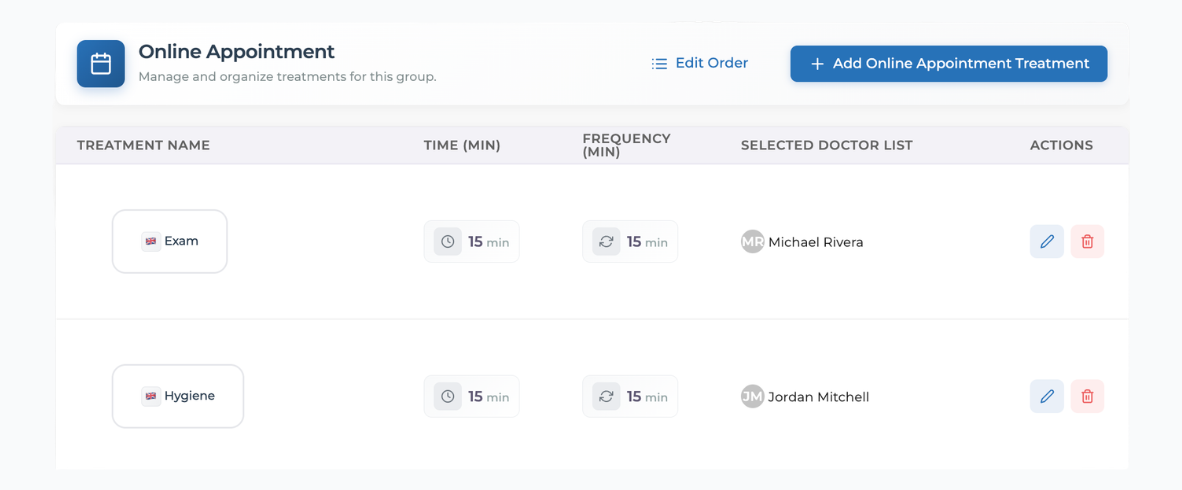
Set up automatic approval for each service so eligible online bookings become calendar appointments, with deposits and patient checks handled before confirmation.

See how each part of Medicasimple connects into one calmer clinic workflow that is practical, secure, and built to make the next step feel obvious.
Explore practical answers, clinic stories, product thinking, and team context before you take the next step.

From dental to physio, dietetics to aesthetics. One platform, every specialty. Built for clinics that want less admin and more time with patients.






























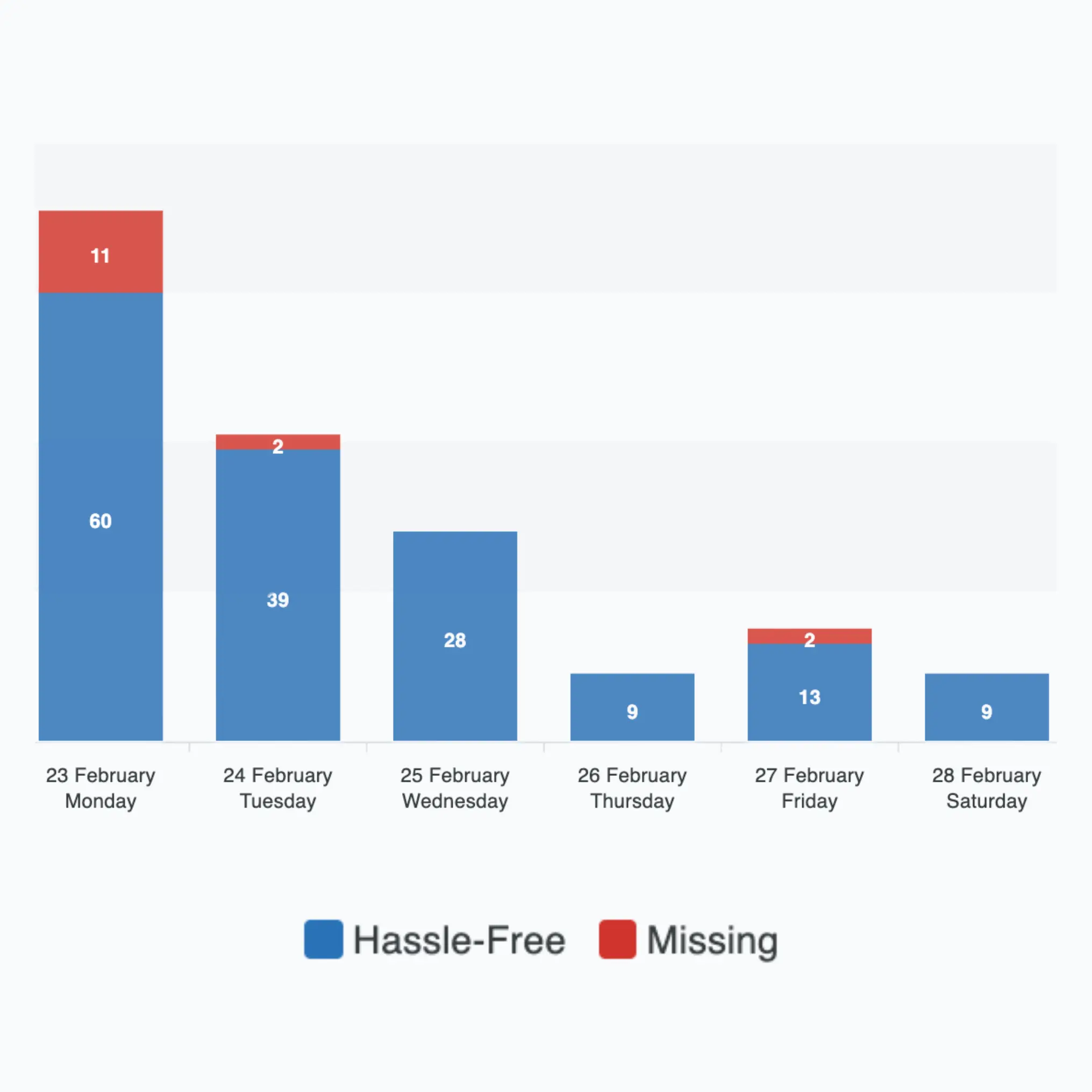

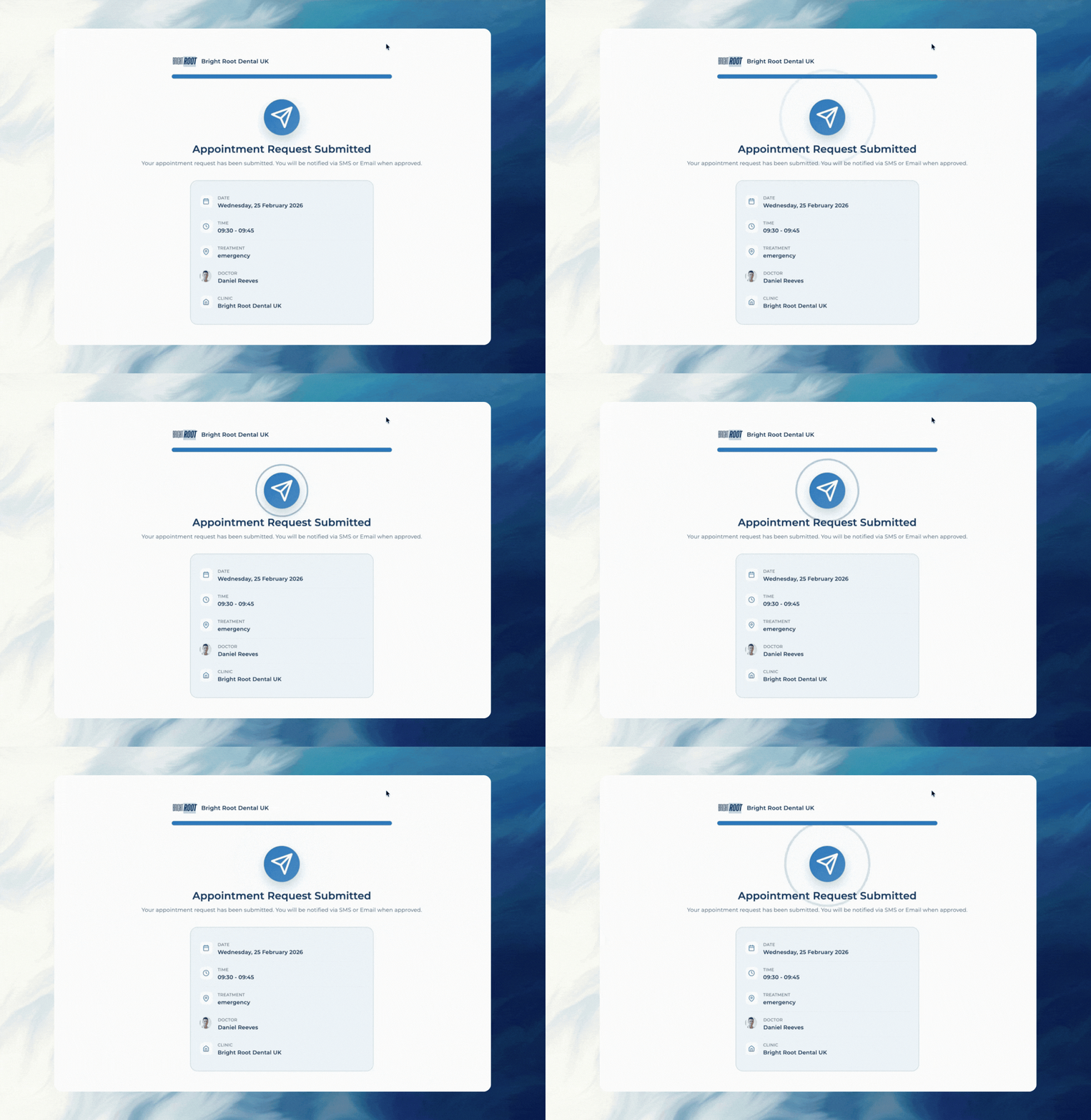
Follow the appointment journey from a direct online booking through optional clinic review, confirmation and follow-up.
Let patients book appointments online 24/7 while your team keeps full control over availability rules. Configure who can book, when they can book, and how far ahead they can schedule. Turn on automatic approval per service, or review bookings before they're confirmed.
Manage multiple clinicians, chair capacity, and appointment types from one calendar flow. Assign correct durations by appointment type and reduce manual diary errors during busy days.
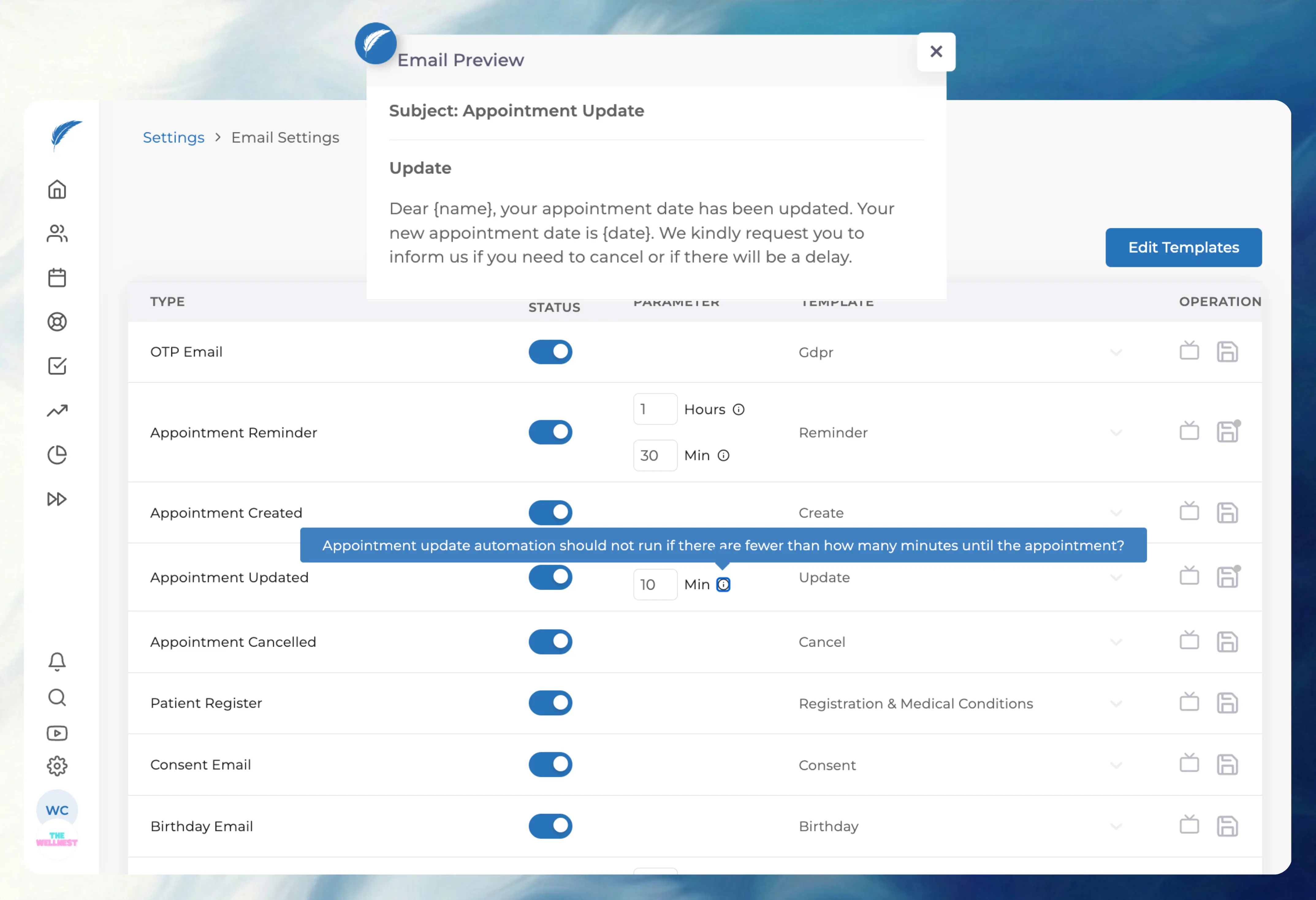
Reduce no-shows with structured reminder timing and clearer patient communication. Keep reminder actions tied to appointment workflow so staff spend less time chasing manually.
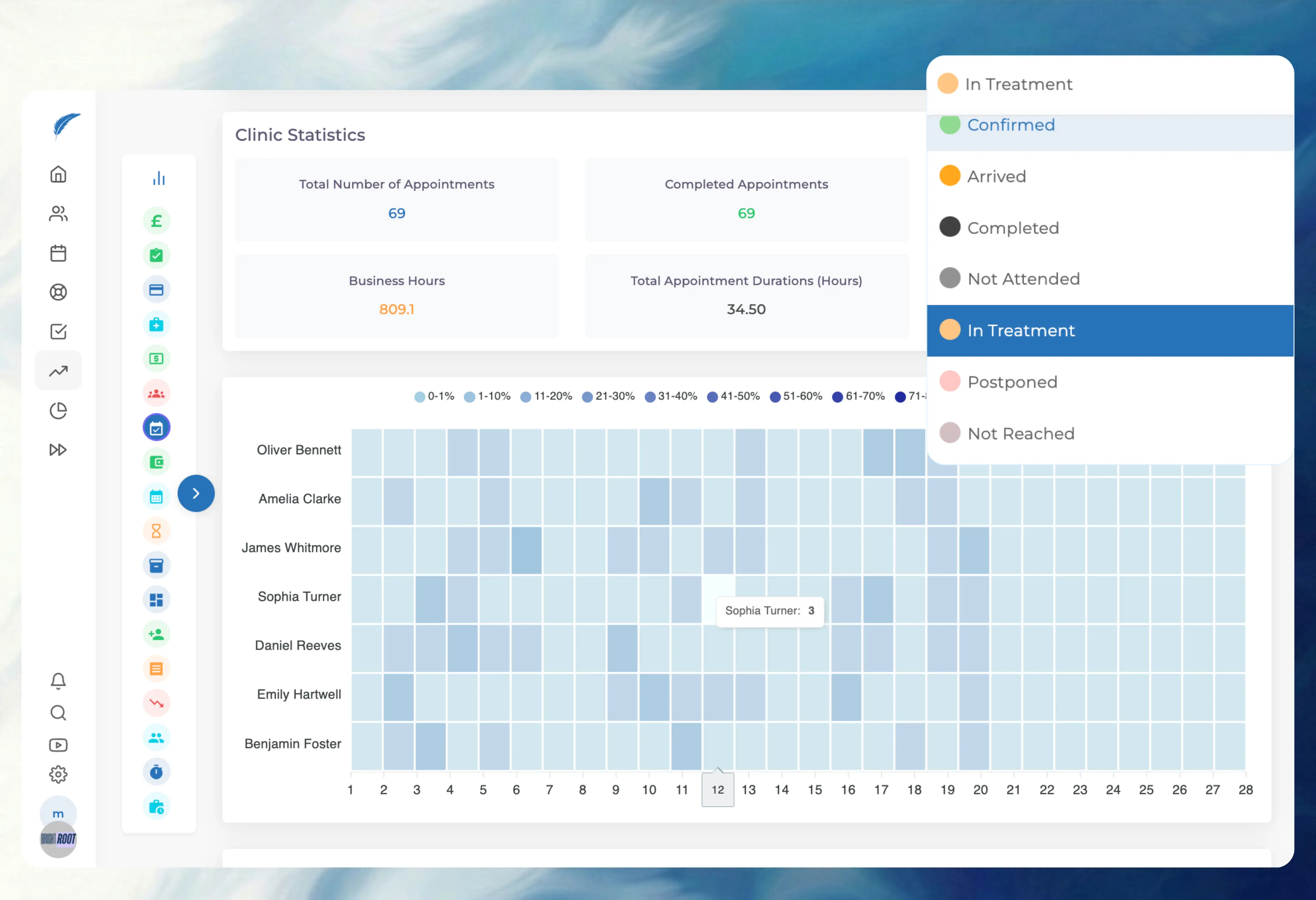
Track every appointment from waiting to arrived, in-progress, completed, or cancelled. Status discipline improves both day-to-day coordination and reporting reliability.
Start your morning with a confirmed diary, not a call list.
Reduce no-shows with reminder and confirmation flow
Keep online booking rules under clinic control
Track live appointment status in one diary workflow
Send pricing-ready traffic straight to your commercial path
FAQ
Yes. Patients book directly online. You can also turn on manual approval for specific services if you'd rather review bookings before they're confirmed.
Yes. Online availability can be configured independently so you control when online bookings are allowed without changing core clinic schedules.
Yes. Bookings are matched against clinician timelines so appointments are routed to valid availability rather than handled manually afterward.
Yes. Appointment duration can follow type-level rules, which helps standardise scheduling quality and reduce inconsistent slot lengths.
Yes. If a booking is held for manual review and not processed immediately, staff can still assign a later date and time without losing the original booking context.
Yes. Teams can update timing directly from calendar workflow, which makes operational rescheduling much faster during busy days.
FAQ
Yes. Status quality directly influences operational reporting, so consistent status discipline improves metric reliability.
Yes. With structured status flow, clinics can monitor cancellation and attendance patterns with much better clarity.
Yes. Calendar views can be exported in practical reporting windows to support management and operational review.
Yes. Teams can review and manage appointment-related actions on mobile when they are away from desk setups.
Yes. Access is permission-based, so visibility and control can be aligned with user role and clinic policy.
Yes. Appointment changes are tracked in workflow history, helping teams understand what changed and when.
FAQ
Yes. Reminder timing can be triggered from appointment status and schedule timing so your team does not have to send every message manually.
Yes. Rescheduling keeps the original patient, appointment type, and timeline context together so teams can move visits quickly without rebuilding records from scratch.
Yes. The calendar can coordinate clinician availability, chair usage, and appointment types together so double-booking risk is reduced.
Yes. Patients can confirm, cancel, or respond from their phone, and the appointment status updates back into the workflow for the team.
Yes. Role-based permissions can limit who is allowed to create, move, or cancel appointments so diary control stays aligned with clinic policy.
Yes. Appointment updates, reminder activity, confirmations, and cancellations are tracked so the team can see what changed and when.
See the guide, recent changes, and practical thinking that can help you move this workflow forward.
Open the demo modal, explore the live flow, and decide whether Medicasimple fits how your clinic actually books, confirms, and follows through.